

Pro feature. See pricing.
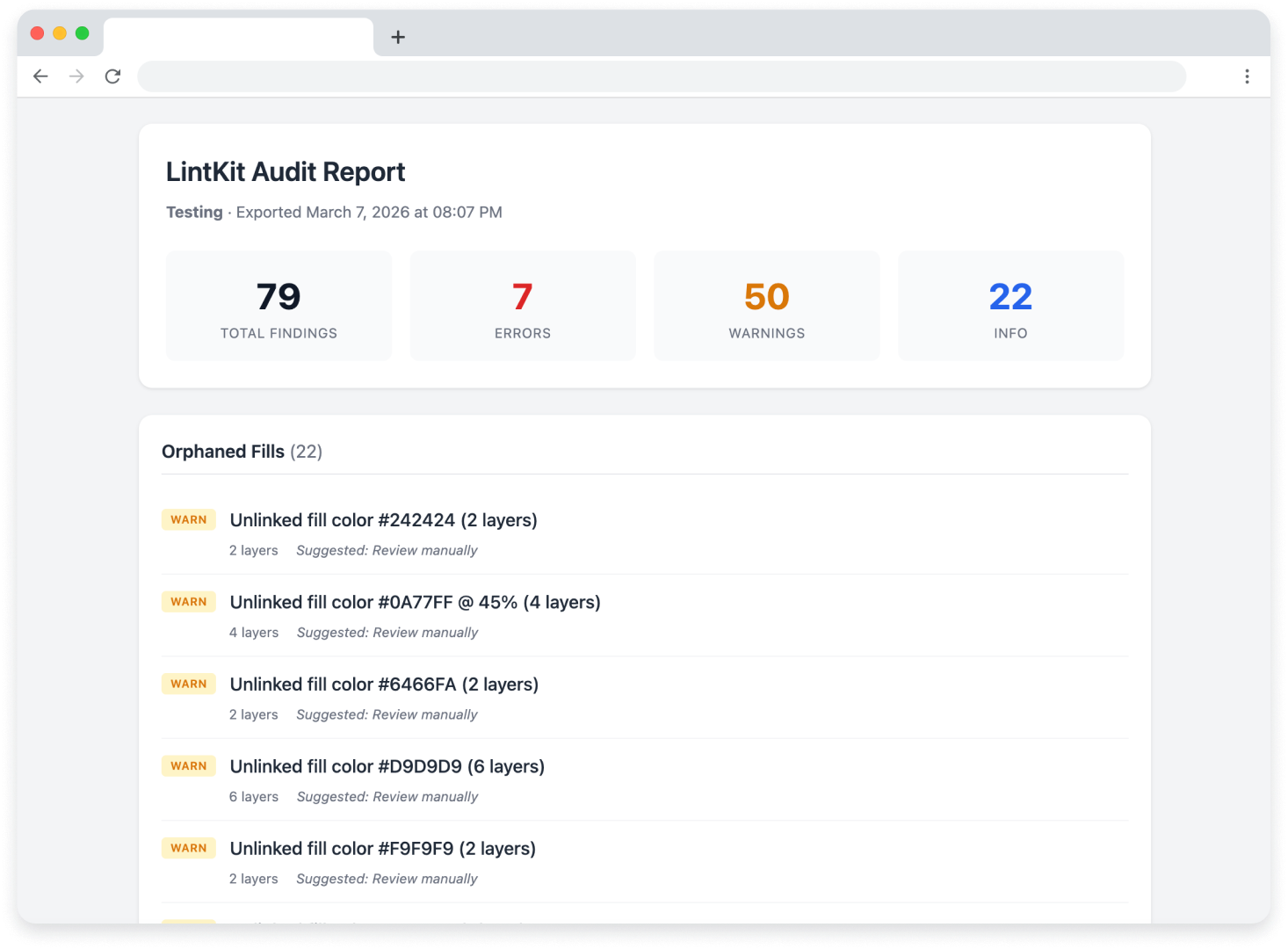
The compliance dashboard is free in both tiers. You only need Pro to export the data as a file. See the compliance dashboard for details on scoring and handoff status.
How to export a report
1
Scan your file
Run a scan from the Overview tab. Wait for the scan to complete.
2
Open the export panel
Click the Export button in the dashboard area. If you are on the free tier, you will see a prompt to upgrade.
3
Choose a format
Select JSON, CSV, or HTML depending on your use case (see below).
4
Download the file
LintKit generates the report and triggers a download. The file name includes the scan date for easy tracking.
Choosing a format
- JSON
- CSV
- HTML
Best for: Automation, CI pipeline integration, tracking trends over time.The JSON export includes the full structured data for every finding: rule ID, severity, affected node IDs, cluster key, and suggestion details. Use this format when you want to:
- Feed results into a CI/CD pipeline that checks design compliance before merging
- Build custom dashboards that track compliance scores across files over time
- Write scripts that parse findings and create tasks in your project management tool
What every report includes
Regardless of format, each exported report contains:- Findings list — every finding from the scan, including rule name, severity, summary, and affected node count
- Suggested fixes — the recommended action for each finding, converted to readable text
- Compliance score — the same score shown in the dashboard, calculated as
((totalNodes - totalFindings) / totalNodes) x 100 - Compliance rating — Excellent, Good, Needs work, or Critical
- Handoff status — Ready, Needs review, or Needs attention
- Severity breakdown — counts of errors, warnings, and info-level findings